Motion that respects people: prefers-reduced-motion and WCAG
What WCAG says about moving content and interaction-triggered animation, how the prefers-reduced-motion media feature works, and the patterns this site uses to honour it.
 Parsa Alizadeh
3 min read
On this page
Animation can make an interface easier to follow. It can also make some people unwell. This post collects what the standards actually say about motion on the web, and the small set of patterns I use on this site so that every animation has a calm alternative.
Who motion affects#
WCAG's guidance on animation from interactions focuses on people with vestibular disorders, conditions of the inner ear that affect balance and spatial orientation. W3C notes that triggered reactions can include nausea, migraine headaches, and potentially needing bed rest to recover [1]. Moving content that starts on its own can also distract people with attention deficits or reading difficulties [2].
What WCAG requires#
Two success criteria in WCAG 2.2 are directly about motion.
2.2.2 Pause, Stop, Hide (Level A). For moving, blinking or scrolling information that starts automatically, lasts more than five seconds, and is shown in parallel with other content, there must be a way for the user to pause, stop or hide it, unless the movement is essential [2]. Level A is the baseline level of conformance.
2.3.3 Animation from Interactions (Level AAA). Motion animation triggered by interaction can be disabled, unless the animation is essential to the functionality or the information conveyed [1]. It is Level AAA, but it describes exactly what prefers-reduced-motion makes easy.
The media feature#
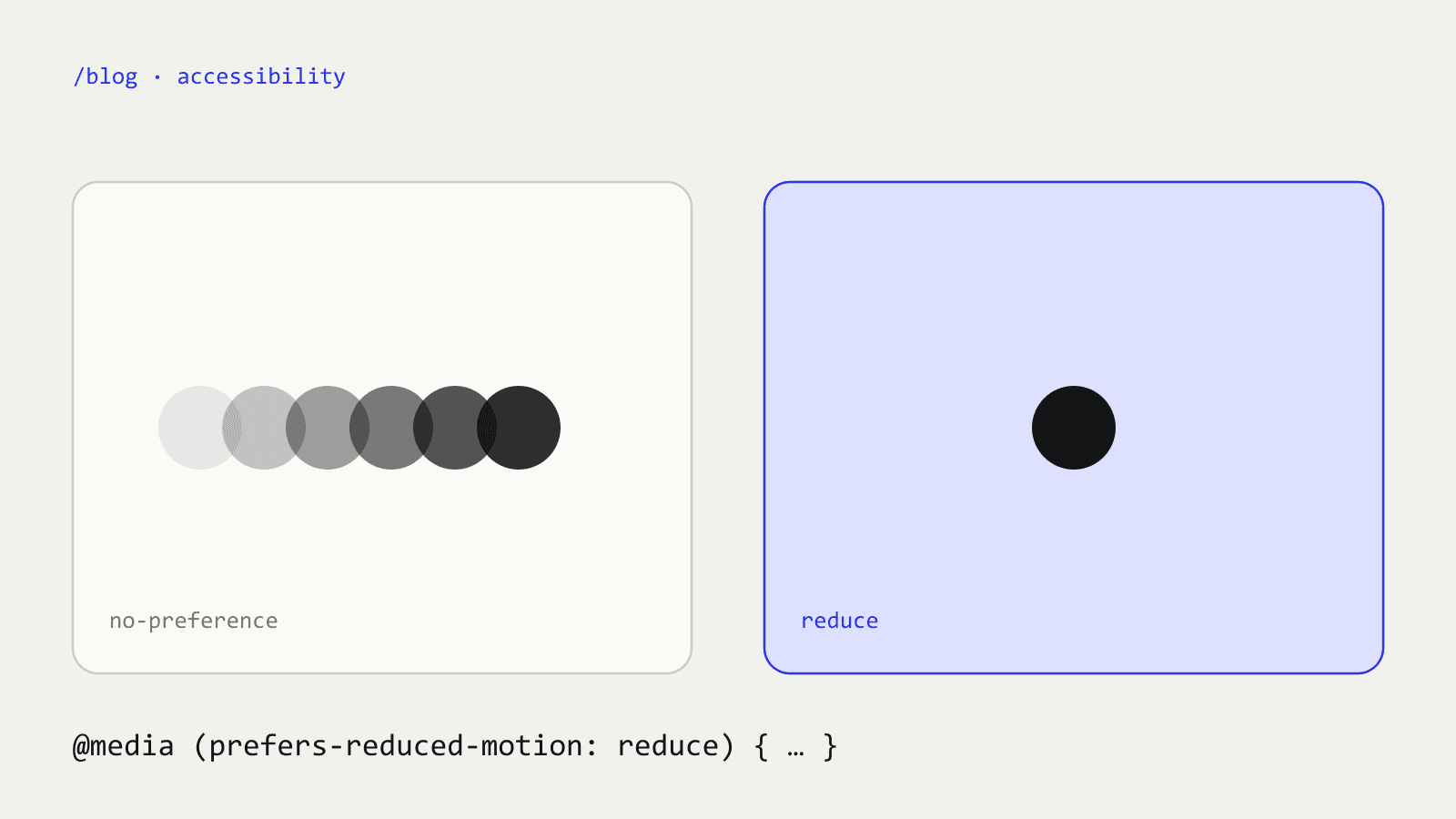
prefers-reduced-motion detects whether a person has asked their device to minimise non-essential motion. It has two values: no-preference and reduce [3]. People turn it on in their operating system, for example [3]:
- Windows 11: Settings › Accessibility › Visual Effects › Animation Effects
- iOS: Settings › Accessibility › Motion
- Android 9 and later: Settings › Accessibility › Remove animations
Patterns I use on this site#
1. A global safety net in CSS#
Every transition and animation becomes effectively instant when the preference is set:
@media (prefers-reduced-motion: reduce) {
  *, *::before, *::after {
    animation-duration: .01ms !important;
    animation-iteration-count: 1 !important;
    transition-duration: .01ms !important;
    scroll-behavior: auto !important;
  }
}
2. Check the preference in JavaScript, too#
CSS cannot stop an animation loop driven by requestAnimationFrame, so scripted effects read the same preference and skip the work:
const reduce = window.matchMedia('(prefers-reduced-motion: reduce)').matches;
if (!reduce) startAnimation();
On this site, the particle "404" renders straight to its final shape, the 3D lattice in the hero is replaced by a still image, and the scrolling text strip does not move.
3. Start from a finished, readable state#
The animated name in the hero is real text in the page. If the animation never runs, because of the preference, a slow device or JavaScript failing, the name is still there and readable. Animation should only ever add to a state that already works.
4. Give moving content a pause button#
Where something moves on its own for longer than five seconds, criterion 2.2.2 applies, so it needs a visible pause control [2]. The two self-moving components in this site's codebase, a scrolling logo strip and a drifting wall of project screenshots, each have one. The logo strip also eases to a stop while it is hovered or holds keyboard focus, so a link never slides away from the pointer; the wall stops the column under the pointer.
Summary#
- Motion can cause real physical symptoms for some people [1].
- Automatic motion longer than five seconds needs a pause, stop or hide mechanism (WCAG 2.2.2, Level A) [2].
- Honour
prefers-reduced-motionin CSS and in JavaScript [3]. - Design the still state first; animate on top of it.
Related: what fixing LCP on this site taught me.
Sources#
- W3C, “Understanding Success Criterion 2.3.3: Animation from Interactions”, https://www.w3.org/WAI/WCAG22/Understanding/animation-from-interactions.html
- W3C, “Understanding Success Criterion 2.2.2: Pause, Stop, Hide”, https://www.w3.org/WAI/WCAG22/Understanding/pause-stop-hide.html
- MDN Web Docs, “prefers-reduced-motion”, https://developer.mozilla.org/en-US/docs/Web/CSS/@media/prefers-reduced-motion
- #accessibility
- #animation
- #css
- #wcag
Written by Parsa Alizadeh
I build web and mobile products end to end, and the AI tools that make them smarter. I care about fast interfaces, clean systems and shipping.